



AWS Backup vs Disaster Recovery Key Differences
A production database can be fully backed up and still leave the business unable to serve customers for hours or days. That distinction sits at the center of AWS backup vs disaster recovery. Backup protects data from loss. Disaster recovery restores an operating service after an outage. Growing organizations need both, but they should not spend the same way on every workload.
For CTOs and IT leaders, the question is not whether AWS has the right services. It is whether the recovery design reflects the actual cost of downtime, the sensitivity of the data, and the team’s ability to execute under pressure.
AWS Backup vs Disaster Recovery: The Core Difference
A backup is a recoverable copy of data, configuration, or a system image from a point in time. In AWS, that may include Amazon RDS snapshots, Amazon EBS snapshots, Amazon S3 versions, Amazon DynamoDB backups, Amazon EFS backups, or application data copied to an isolated account or Region. Its primary job is to recover from accidental deletion, corruption, ransomware, failed deployments, or retention requirements.
Disaster recovery, or DR, is the broader capability to restore a business service when the primary environment is unavailable. It includes data recovery, but also infrastructure, application dependencies, networking, identity access, DNS, secrets, integrations, documentation, and people. A clean database snapshot is useful only if the application can connect to it, users can authenticate, and traffic can reach the recovered environment.
Consider an ecommerce application. A nightly database backup may satisfy a basic data-protection requirement. It does not guarantee the storefront, payment workflow, API services, and customer notifications can resume quickly after a regional failure or account compromise. DR planning addresses that whole operating chain.
Two Metrics That Set the Design
Recovery point objective, or RPO, defines how much data loss the business can accept. An RPO of 24 hours means that restoring from a nightly backup could lose up to one day of transactions. An RPO of five minutes requires far more frequent replication or log-based recovery.
Recovery time objective, or RTO, defines how long a service can be unavailable. A 24-hour RTO can support a manual restoration process. A one-hour RTO usually requires prebuilt infrastructure, automated deployment, tested runbooks, and a defined failover path.
These are business decisions expressed as technical targets. Finance may need an RPO measured in minutes for payment records, while an internal reporting portal may tolerate a day of data loss and a longer interruption. Treating every workload as mission-critical wastes budget. Treating all workloads as low-priority creates avoidable operational risk.
A useful third measure is the maximum tolerable downtime: the point at which an outage causes unacceptable financial, regulatory, contractual, or reputational damage. It helps leadership validate whether stated RTOs are realistic.
What AWS Backup Should Cover
AWS backup strategy starts with inventory and classification. Teams need to know which data exists, where it lives, who owns it, how long it must be retained, and whether it contains regulated or confidential information. Without that foundation, backup policies tend to be inconsistent and recovery gaps remain hidden.
For supported services, AWS Backup can centralize policies, scheduling, lifecycle management, vaults, and reporting. Native service features still matter. Amazon S3 Versioning and Object Lock can protect against deletion and support immutable retention. Amazon RDS automated backups and point-in-time recovery provide finer recovery options than a periodic snapshot alone. EBS snapshots protect volumes, but application-consistent recovery may require quiescing workloads or coordinating backups at the application layer.
A sound design also separates backup copies from the environment they protect. Cross-account copies limit the blast radius of an AWS account compromise. Cross-Region copies address a Regional disruption. Immutable vault controls and restricted deletion permissions help defend against ransomware or a malicious insider. Encryption, KMS key availability, retention controls, and audit trails must be reviewed as part of the recovery design, not as afterthoughts.
Backups are only credible when restoration is tested. Teams should verify that a restored database is complete, that application data is readable, that permissions work, and that recovery time aligns with expectations. A job marked "successful" confirms that data was copied. It does not prove the business can recover.
Disaster Recovery Requires an Operating Environment
Disaster recovery begins by mapping dependencies. Most business applications rely on more than compute and storage. They may depend on Route 53 records, load balancers, container registries, IAM roles, security groups, certificates, third-party APIs, CI/CD pipelines, observability tooling, and centralized identity providers. Any missing dependency can stall a recovery.
Infrastructure as code is one of the strongest ways to reduce that risk. Terraform, AWS CloudFormation, and Ansible allow teams to define and recreate networks, compute, policies, and application components consistently. Combined with CI/CD pipelines, versioned configuration, and tested deployment artifacts, this reduces the need for improvised changes during an incident.
AWS DR patterns generally align to four investment levels:
- Backup and restore keeps only recoverable copies. It has the lowest standing cost but the longest recovery time.
- Pilot light keeps critical components, such as data replication and core services, ready while scaling the broader application during recovery.
- Warm standby maintains a reduced but functioning version of the application that can be expanded after failover.
- Multi-site active-active runs production capacity in more than one location. It offers the shortest interruption but introduces the greatest cost and operational complexity.
The right model depends on RTO, RPO, budget, and application architecture. Active-active is not automatically better. It requires careful data consistency handling, traffic management, deployment discipline, monitoring, and regular validation. For many mid-sized businesses, a well-automated pilot light or warm standby design delivers a more practical balance.
Common Gaps Between Backup and Recovery
The most common gap is assuming snapshots equal a recovery plan. Teams discover too late that they have not documented restoration order, database credentials, DNS changes, firewall rules, or the ownership of critical SaaS integrations.
Another gap is protecting infrastructure but not the data layer, or protecting data without preserving the configuration needed to run the application. Amazon Machine Images, container images, parameter stores, secrets, and Git repositories should be included in the scope. The recovery plan must account for dependencies outside AWS as well, including domain registrars, identity platforms, payment providers, and vendor support processes.
Security creates another decision point. A DR environment must be available during an emergency, but it cannot become a less-secure copy of production. Use least-privilege IAM, separate recovery roles, MFA, logging, encryption, and controlled break-glass access. Security monitoring should continue after failover, because disruption events often create an opportunity for attackers.
Finally, many plans fail because no one practices them. A quarterly tabletop exercise is useful for validating roles and escalation paths. Periodic technical recovery tests are necessary to measure actual RTO and RPO. Testing should include realistic failure scenarios, such as a corrupted database, a deleted S3 object, a compromised credential, and a Regional service interruption. Record the results, correct issues, and update the runbook.
Building a Cost-Aware AWS Recovery Plan
Start by grouping workloads into tiers based on business impact. A customer-facing revenue system, a compliance archive, a development environment, and an internal wiki should not have identical recovery targets. Assign a business owner to each tier, define RTO and RPO, and document the financial or operational reasoning behind them.
Next, select the backup and DR controls that meet those targets. This can include backup vault policies, cross-account replication, S3 immutability, database point-in-time recovery, multi-Availability Zone deployment, cross-Region replication, infrastructure-as-code templates, and automated failover workflows. The controls should be specific to the workload, not copied from a generic checklist.
Then make recovery observable. Dashboards in tools such as New Relic and AWS-native monitoring should show backup failures, replication lag, service health, capacity limits, and dependency status. Alerts need clear ownership and escalation paths. During an incident, teams need decision-ready information rather than a stream of unprioritized notifications.
A Well-Architected Review can help connect these choices to AWS reliability, security, operational excellence, performance efficiency, and cost optimization principles. For organizations without a dedicated cloud operations team, a managed partner can also maintain runbooks, automate recovery workflows, monitor backup health, and coordinate recurring tests. Advanced Vision IT approaches resilience as an ongoing operating discipline rather than a one-time architecture project.
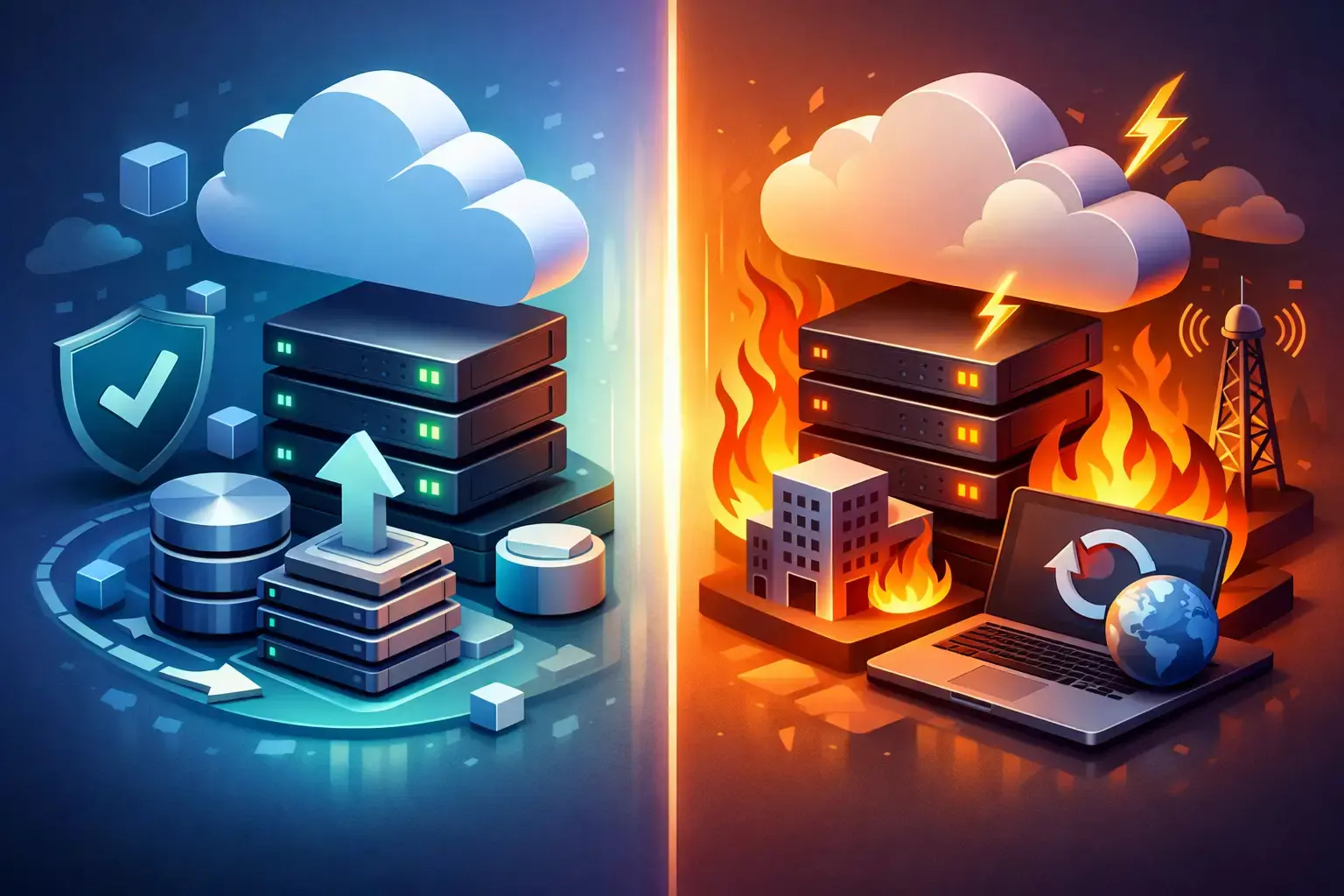
When Backup Is Enough and When DR Is Necessary
Backup may be sufficient for low-impact systems where a day or more of downtime is acceptable, data changes slowly, and restoration can be performed manually without major business consequences. It is also an appropriate baseline for nearly every workload, including those with stronger DR requirements.
A formal DR capability is necessary when downtime interrupts revenue, customer access, regulated operations, security response, or contractual commitments. It is especially relevant for systems with low RTOs, frequent data changes, public-facing applications, or dependencies that would be difficult to rebuild under pressure.
The practical goal is not zero downtime at any cost. It is a recovery posture that the business understands, funds, tests, and can execute. The best time to learn whether a backup is merely a copy or part of a real recovery capability is before the next incident makes the answer urgent.
Frequently Asked Questions (FAQ)
1. What is the difference between AWS Backup and Disaster Recovery (DR)?
AWS Backup focuses on protecting data by creating recoverable copies of databases, files, and system configurations. Disaster Recovery goes beyond data protection by ensuring that entire business services, including applications, infrastructure, networking, identity management, and integrations, can be restored and made operational after an outage.
2. What are RPO and RTO, and why are they important?
Recovery Point Objective (RPO) defines the maximum amount of data loss a business can tolerate, while Recovery Time Objective (RTO) defines the maximum acceptable downtime. Together, these metrics help organizations determine the appropriate backup and disaster recovery strategy based on business impact, risk tolerance, and budget.
3. Is having regular backups enough to ensure business continuity?
Not always. Backups can help restore lost or corrupted data, but they do not guarantee that applications, services, user access, networking, and dependencies can be recovered quickly. Organizations with strict uptime requirements typically need a formal disaster recovery plan in addition to backups.
4. What AWS disaster recovery approach is right for my organization?
The best approach depends on your recovery objectives, budget, and workload criticality. AWS offers several DR models, including Backup and Restore, Pilot Light, Warm Standby, and Multi-Site Active-Active. Organizations should choose the option that aligns with their RTO, RPO, operational complexity, and business requirements.
5. How often should backup and disaster recovery plans be tested?
Regular testing is essential to verify that recovery procedures work as expected. Organizations should conduct periodic restoration tests, technical recovery exercises, and tabletop simulations to validate RTO and RPO targets, identify gaps, and ensure teams can execute recovery processes effectively during a real incident.

Written by Miroslav Sultanov
Technical Account Management Team Lead & Senior SEO Specialist at Advanced Vision IT Ltd | Published on
Miroslav advises strategic digital marketing insights, search optimization strategies, and technical team leadership.