



AWS Shared Responsibility Model Guide
A surprising number of AWS security gaps start with the same assumption: if a workload is running in AWS, AWS must be securing all of it. That is exactly where this aws shared responsibility model guide matters. The model is straightforward on paper, but in real environments, the line between provider responsibility and customer responsibility gets blurred by speed, service sprawl, and unclear ownership across IT, engineering, and security teams.
For growing businesses, that confusion is expensive. It shows up as open storage, weak IAM policies, missed patches, incomplete logging, failed audits, and incident response delays. If your organization is scaling in AWS without a clear operational model, you are not just taking on cloud risk - you are creating avoidable business risk.
What the AWS shared responsibility model actually means
At its core, AWS is responsible for security of the cloud, while the customer is responsible for security in the cloud. That distinction is simple, but it is not shallow.
AWS secures the underlying infrastructure that runs AWS services. That includes physical data centers, networking hardware, hypervisors, and the foundational systems that support the cloud platform. Customers, on the other hand, are responsible for how they configure and use those services. That includes identity controls, operating systems in many cases, network rules, application security, data protection, and compliance settings.
This is where many teams get tripped up. They treat AWS as if it were a fully managed security boundary. It is not. AWS gives you highly capable building blocks, but safe architecture depends on how those blocks are assembled, monitored, and governed.
Why does the model change by service type
The most important nuance in any AWS shared responsibility model guide is that responsibility shifts depending on the service.
If you are running Amazon EC2, your team has a larger operational footprint. You manage the guest operating system, patching, endpoint controls, many aspects of network access, and often application runtime security. AWS still secures the physical hosts and virtualization layer, but there is more for your team to own.
If you move to managed services like Amazon RDS, AWS takes on more of the infrastructure operations. You no longer patch the database host in the same way you would on EC2, but you still own data classification, access control, database configuration, encryption choices, and backup strategy validation.
With serverless services like AWS Lambda, AWS manages even more of the runtime infrastructure. That does not reduce customer responsibility to zero. Your code, permissions, secrets handling, event triggers, dependency security, and data flows remain your problem to solve.
The practical takeaway is simple: the more abstracted the service, the less infrastructure your team manages, but the more important identity, policy, and application-layer discipline become.
Where AWS's responsibility ends
AWS handles the physical and foundational cloud layers. That includes facility security, environmental controls, hardware lifecycle, availability zone design, and the managed platform components behind AWS services. This is a major benefit of cloud adoption. Few small or mid-sized businesses can match that level of physical and platform investment on their own.
But AWS does not know your intended architecture, your acceptable risk level, your internal approval paths, or your compliance obligations unless you configure your environment accordingly. AWS gives you capabilities. Governance still has to come from your side.
That matters when teams assume a managed service automatically means compliant or secure by default. In most cases, AWS provides the tooling and service controls required to support strong security. Your team still has to turn them on, set them correctly, and review them over time.
What your team is responsible for
Customer responsibility usually falls into a few operational areas that cut across engineering, IT, and security.
Identity and access management is one of the biggest. Your team controls who can access AWS accounts, what permissions they have, how roles are structured, and whether privileged access is monitored. Weak IAM design is still one of the fastest ways to create exposure in AWS.
Configuration management is just as important. Security groups, network ACLs, bucket policies, database settings, key usage, logging, and retention policies all sit on the customer side. Misconfiguration remains a leading cause of cloud incidents because these settings often change quickly and without consistent review.
Data protection is also your responsibility. You decide what data is stored, where it is stored, who can access it, how it is encrypted, how long it is retained, and how it is backed up. AWS provides encryption services and storage controls, but your business owns data handling decisions.
Then there is workload security. If you run instances, containers, or custom applications, your team is responsible for patching, code security, secrets management, vulnerability remediation, and observability. Even in managed environments, your applications and business logic stay under your control.
Common mistakes businesses make
The most common mistake is assuming managed equals covered. It does not. A managed database service may reduce host-level work, but weak credentials, poor network exposure, and missing backups can still create major risk.
Another issue is fragmented ownership. Infrastructure teams manage VPCs, developers deploy services, security teams review policy, and no one fully owns the operating model. When responsibility is split without clear accountability, gaps appear between tools and teams rather than inside a single service.
A third problem is relying on one-time setup. Cloud security is not a project you finish. IAM permissions drift, workloads expand, temporary exceptions become permanent, and old resources linger. The shared responsibility model only works when it is supported by continuous operations.
How to operationalize the model
The best way to use this model is not as a compliance talking point, but as an operating standard. Start by mapping your AWS services to clear owners. Someone should own identity, someone should own network policy, someone should own logging, and every production workload should have a named operational owner.
Next, define the responsibility boundary by service type. Document what your team manages for EC2, RDS, EKS, S3, Lambda, and any other major platform services in use. This removes ambiguity during audits, incidents, and architecture changes.
Then automate wherever possible. Infrastructure as code with Terraform or CloudFormation helps standardize secure deployment patterns. Configuration baselines, policy guardrails, CI/CD checks, and continuous monitoring reduce the chance that manual drift turns into a security issue.
Logging and observability also need to be part of the model. If you cannot see who changed a policy, exposed a port, or accessed sensitive data, you cannot enforce responsibility in practice. CloudTrail, Config, GuardDuty, Security Hub, and centralized monitoring platforms help turn cloud responsibility into something measurable.
The compliance angle matters too
For organizations dealing with HIPAA, PCI, SOC 2, or customer security reviews, the shared responsibility model is not just a technical concept. It affects audit readiness.
AWS can provide evidence for the controls it owns, such as physical security and certain platform safeguards. Your organization still has to demonstrate how you manage account access, encryption, patching, logging, change control, and incident response. If your internal teams cannot explain where AWS responsibility stops and yours begins, that confusion tends to surface during assessments.
This is one reason many businesses benefit from a Well-Architected Review or a focused cloud security assessment. It helps identify where technical controls exist but operational accountability does not.
A practical way to think about risk
Instead of asking, "Is AWS secure?" ask, "Have we secured our use of AWS?" That is the better business question.
AWS gives you a highly secure cloud foundation. Whether your environment is secure depends on architecture decisions, deployment discipline, access control maturity, and how consistently your team operates. For a lean internal IT team or a fast-moving engineering group, that can be difficult to sustain without a clear framework and outside support.
This is where a managed cloud partner can add real value. A team like Advanced Vision IT can help translate the AWS model into day-to-day controls through landing zone design, IAM strategy, monitoring, cost-aware architecture, compliance alignment, and ongoing operational support. The goal is not just to deploy in AWS, but to run AWS in a way that holds up under growth, audits, and real-world incidents.
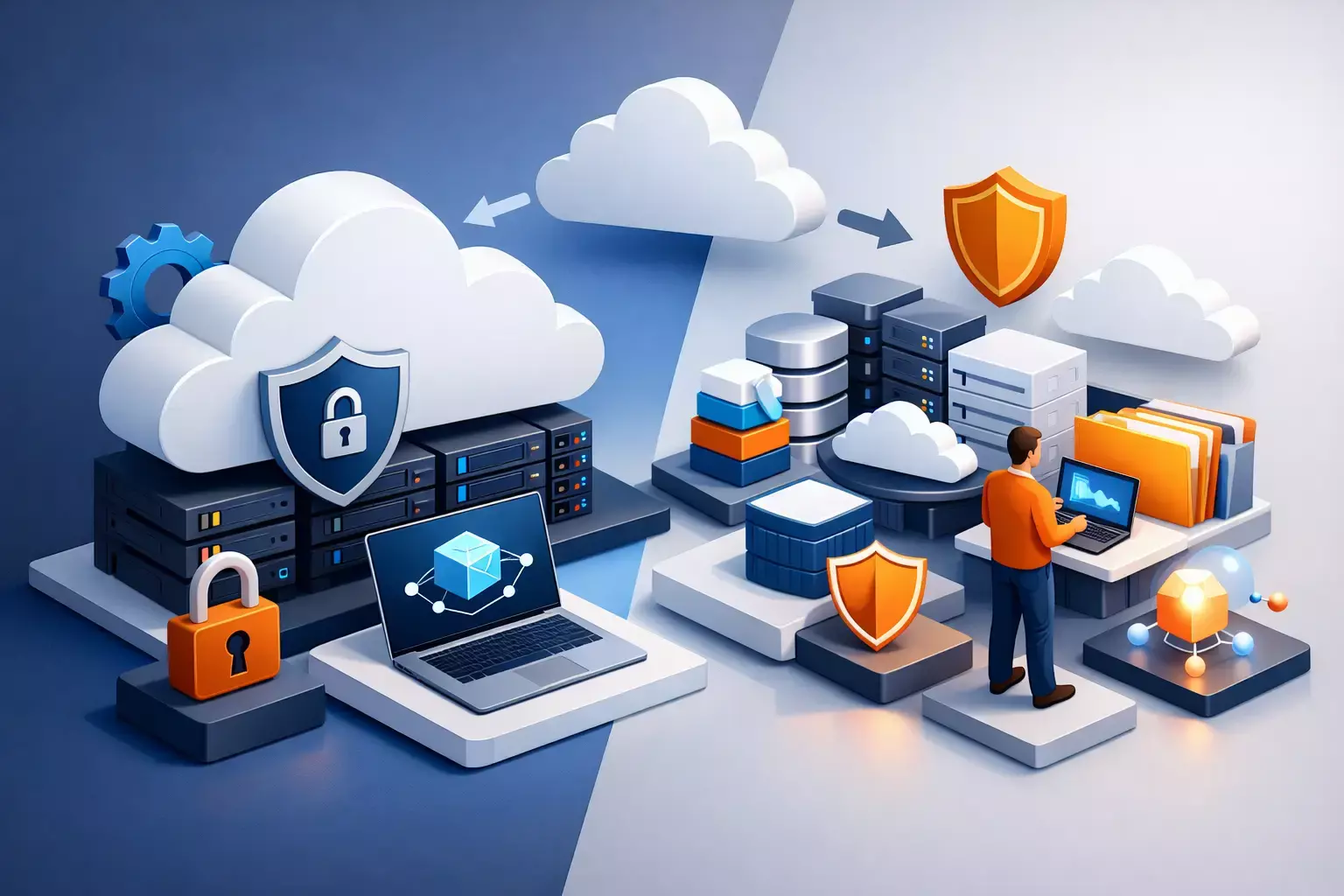
AWS shared responsibility model guide for growing teams
The shared responsibility model is not a warning label. It is a design principle. Once your team understands it clearly, cloud decisions get better. You know where to automate, where to add guardrails, where to document ownership, and where unmanaged risk is quietly building.
That clarity becomes more valuable as your AWS footprint expands. New accounts, new services, new developers, and new compliance demands all increase complexity. The businesses that stay resilient are usually not the ones with the most tools. They are the ones with the clearest operating model.
If your AWS environment feels harder to govern than it should, that is usually a signal worth listening to. Better structure now prevents more expensive cleanup later.

Written by Alexander Boychev
Business Executive & Digital Marketing Manager at Advanced Vision IT Ltd | Published on
Alexander advises insights on business development, strategic key account management, and digital marketing in the IT sector.