



How to Modernize Legacy Infrastructure
Ageing infrastructure rarely fails all at once. It shows up as slower releases, recurring outages, security exceptions, rising support costs, and too much tribal knowledge tied to a few key people. That is usually when leaders start asking how to modernize legacy infrastructure without creating unnecessary disruption to the business.
The right answer is not to rebuild everything or rush into a full cloud migration. Most organizations need a staged approach that reduces operational risk while improving performance, resilience, and visibility. For small to mid-sized businesses, especially, modernization works best when it aligns technical changes with business priorities such as uptime, compliance, cost control, and growth.
What legacy infrastructure actually means
Legacy infrastructure is not just old hardware sitting in a server room. It can include virtual machines that have grown without standards, unsupported operating systems, tightly coupled applications, manual deployment processes, weak monitoring, flat networks, and backup strategies that no longer match recovery requirements.
In many environments, the real issue is not age alone. It is the accumulation of technical debt across compute, storage, networking, identity, security, and operations. A ten-year-old system that is well documented, patched, segmented, and monitored may be less risky than a newer environment built quickly with no governance.
That distinction matters because modernization should solve the highest-impact operational constraints first. If your ERP depends on an older platform but runs reliably, the urgent problem may be identity hardening or disaster recovery rather than replacing the application this quarter.
How to modernize legacy infrastructure without breaking operations
A practical modernization program starts with dependency mapping and business context. Before changing platforms, you need to know what systems exist, how they connect, who depends on them, what data they handle, and what downtime actually costs. That sounds basic, but many organizations attempt transformation before they have a usable inventory.
From there, build a roadmap in waves. Separate systems into categories such as retain, rehost, refactor, replace, or retire. Those decisions should reflect application criticality, supportability, security exposure, compliance requirements, and cost. Not every workload belongs in the cloud immediately, and not every on-premises system should stay where it is.
This is where experienced guidance matters. Teams often underestimate hidden dependencies, licensing constraints, and migration sequencing. A business-minded modernization plan balances engineering ambition with operational reality.
Start with visibility before migration
If you cannot see your environment clearly, modernization becomes guesswork. Establish baseline observability across infrastructure, applications, logs, alerts, and capacity trends before major changes begin. Tools such as New Relic and structured logging pipelines can help teams understand current performance, identify noisy systems, and detect bottlenecks that were previously masked by manual troubleshooting.
Visibility also improves stakeholder confidence. When leadership can see service health, recovery patterns, and usage trends, infrastructure decisions become easier to justify. It shifts modernization from a capital request into an operational improvement initiative.
Standardize the foundation
Many legacy environments struggle because each server, application stack, or deployment pattern was built differently over time. Standardization is often the fastest path to lower risk.
That can mean defining approved operating system images, introducing infrastructure as code with Terraform, using Ansible for configuration management, and creating consistent tagging, backup, patching, and access policies. It may not feel as dramatic as a migration, but it creates the control plane needed to scale reliably.
For hybrid environments, standardization is even more important. If some workloads remain on-premises while others move into AWS, operational inconsistency becomes a direct source of outages and security gaps.
Prioritize security and compliance early
One of the most expensive mistakes in legacy transformation is treating security as a later phase. Older environments often contain broad admin access, outdated protocols, unsegmented networks, incomplete logging, and inconsistent patching. Migrating those weaknesses into a new platform simply changes where the risk lives.
Modernization should include identity and access cleanup, MFA enforcement, endpoint hardening, network segmentation, centralized logging, vulnerability management, and policy-based controls from the start. If your business has regulatory obligations, map those requirements into the roadmap early rather than bolting them on after the architecture is already in place.
This is also where cloud-native services can help. In AWS, organizations can improve posture with better IAM design, managed backups, native monitoring, and policy controls that are difficult to enforce consistently in fragmented legacy setups. But cloud services do not remove the need for governance. They make good governance easier to implement if the architecture is sound.
Choose the right modernization path for each workload
There is no single model for how to modernize legacy infrastructure. Different systems require different treatment.
Some applications are good candidates for rehosting. If the priority is to exit a data center, improve backup options, or reduce hardware refresh costs, moving a stable workload to cloud-based infrastructure may be enough for now. This can deliver quick operational gains, but it does not automatically improve application design.
Other systems need refactoring. If an application is tightly coupled, hard to scale, or dependent on fragile manual deployments, moving it without code and pipeline changes may preserve the same pain points. Refactoring takes more effort, but it can improve release speed, resilience, and long-term cost efficiency.
Then there are cases where replacement is smarter than migration. If a core platform is unsupported or customized beyond reason, replacing it with a modern managed service or purpose-built application may be the cleaner option. That decision is not always popular internally, but continuing to maintain an unstable system can cost more than a controlled replacement.
Retirement is the most overlooked path. Many businesses carry systems that are no longer essential but remain online because no one wants to own the decommissioning process. A good assessment often reveals applications, databases, and integrations that can simply be shut down after validation.
Modernization is also an operating model change
Infrastructure modernization is not just about where workloads run. It is also about how teams manage change.
If deployments still depend on late-night manual steps, if incidents are triaged from inboxes, or if documentation lives in one engineer's head, newer infrastructure alone will not fix the problem. You need repeatable operations.
That usually means introducing CI/CD pipelines, change control tied to versioned infrastructure, tested rollback plans, automated patching where appropriate, and clear runbooks for support teams. It may also mean separating production access from development practices and tightening approval paths around high-risk systems.
For growing businesses, this step creates a major advantage. It reduces dependence on individual administrators and makes the environment easier to support during turnover, audits, incidents, and expansion.
Cost optimization should be built in, not added later
Leaders often modernize because they expect lower costs. Sometimes that happens quickly. Sometimes it does not.
A cloud migration can reduce capital expense, improve elasticity, and eliminate maintenance tied to ageing hardware. But poor architecture, oversized instances, neglected storage growth, and unmanaged sprawl can push costs up just as fast. Legacy environments hide waste, but modern environments can scale waste more efficiently.
That is why financial visibility should be part of the plan. Use tagging, forecasting, rightsizing reviews, storage lifecycle policies, and clear workload ownership. Align infrastructure choices with actual business usage patterns rather than best guesses. Reserved capacity may make sense for predictable workloads, while bursty applications may benefit from more flexible designs.
A Well-Architected Review is useful here because it forces the conversation across reliability, security, performance, operational excellence, and cost. It helps teams avoid optimizing one dimension while creating problems in another.
Common mistakes that slow modernization
The biggest failure pattern is trying to modernize everything at once. That usually overwhelms internal teams, creates migration dependencies that were not understood, and makes rollback difficult.
Another common issue is focusing only on infrastructure while ignoring application behaviour. If the software is brittle, poorly documented, or operationally noisy, infrastructure changes alone will not deliver the expected outcome.
There is also a people side. Teams that have supported legacy systems for years often carry valuable context, and they should be involved early. Modernization imposed without operational buy-in tends to stall.
Finally, many businesses underinvest in post-migration support. The cutover is not the finish line. New environments need monitoring, tuning, security validation, backup testing, and clear ownership. This is one reason organizations work with partners like Advanced Vision IT when they need both implementation depth and long-term operational support.
What good looks like after modernization
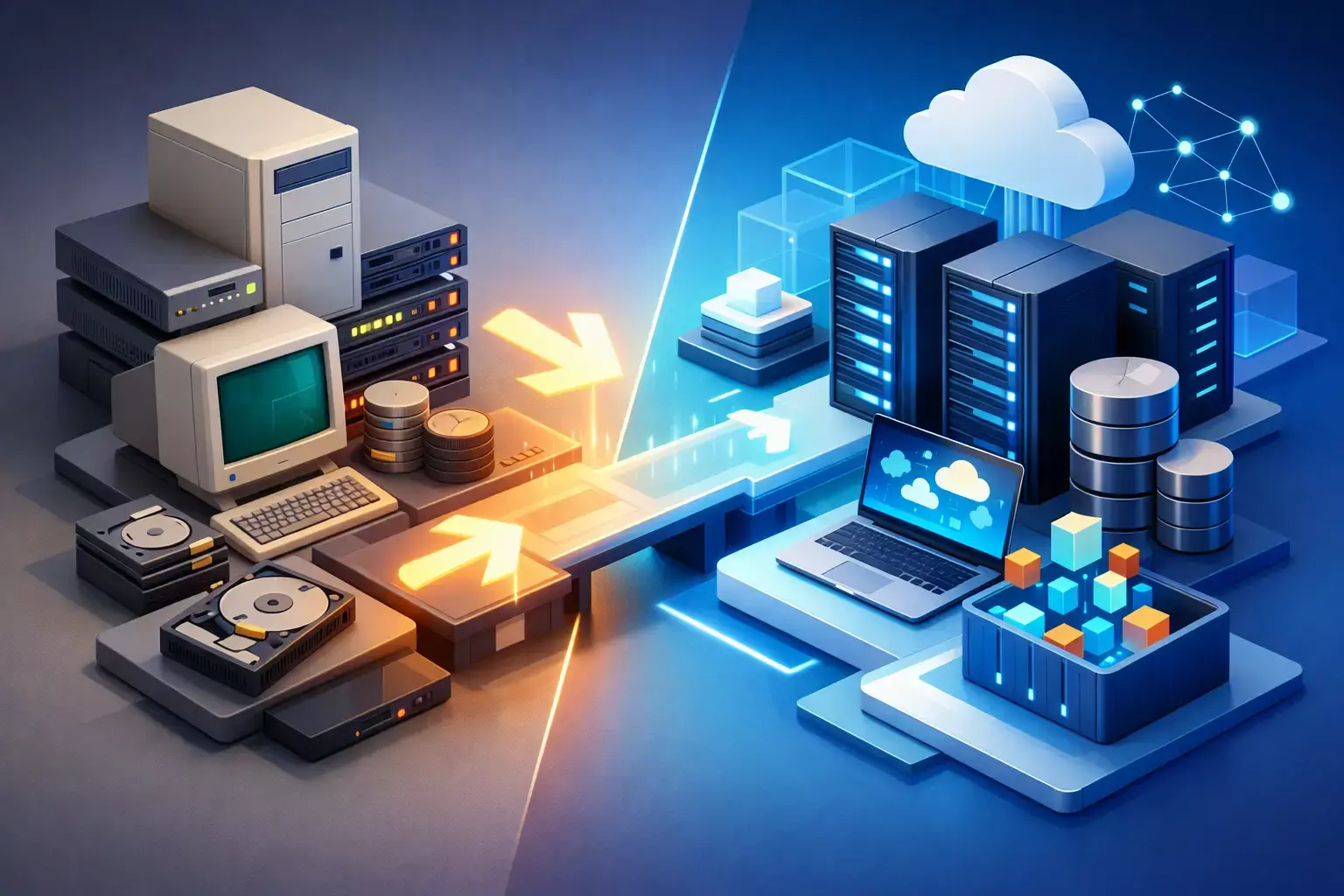
A modernized environment is not defined by trendy tooling. It is defined by predictability. Systems are easier to monitor, deploy, secure, recover, and scale. Teams spend less time firefighting and more time improving service quality. Audit readiness improves. Release cycles shorten. Leadership gets better visibility into risk and cost.
That outcome usually comes from disciplined execution, not dramatic reinvention. The businesses that modernize well are the ones that sequence changes carefully, choose the right target state for each workload, and treat security, observability, and operations as core design requirements.
If you are deciding how to move forward, start with the part of the environment that creates the most business friction. The fastest win is rarely the most visible system. It is the one that reduces risk, restores control, and gives your team a stronger foundation for everything that comes next.
FAQ
1. What is considered legacy infrastructure?
Legacy infrastructure is not just outdated hardware. It includes systems with technical debt, such as unsupported operating systems, tightly coupled applications, manual processes, weak monitoring, and inconsistent security or backup practices. The main issue is often lack of standardization and governance rather than age alone.
2. What is the safest way to modernize legacy infrastructure?
The safest approach is a phased modernization strategy. Start with dependency mapping and workload classification, then move systems in controlled waves (retain, rehost, refactor, replace, or retire). This reduces risk while maintaining business continuity.
3. Why is visibility important before modernization?
Without clear visibility into system performance, dependencies, and usage, modernization becomes guesswork. Observability tools and structured monitoring provide the insights needed to identify bottlenecks, reduce risk, and make informed decisions.
4. Should all legacy systems be migrated to the cloud?
No. Not every system needs to move to the cloud immediately. Some workloads may be better retained, refactored, or even retired. The decision should be based on business value, risk, cost, and operational requirements—not just technical trends.
5. What are the most common mistakes during modernization?
Common mistakes include trying to modernize everything at once, ignoring application-level issues, postponing security improvements, and failing to plan post-migration operations. Lack of team alignment and operational ownership can also slow or derail progress.

Written by Yavor Y. Zlatev
CEO & Founder at Advanced Vision IT Ltd | Published on
Yavor advises executive leadership teams on cybersecurity strategy, NIS2 compliance, and cloud operating models to build resilient IT environments.