



What Is AWS Cloud Migration?
Most companies do not ask what AWS cloud migration is until something starts breaking. It might be aging servers, unpredictable growth, rising infrastructure costs, disaster recovery gaps, or a small IT team spending too much time maintaining systems instead of improving them. At that point, migration stops being a technical curiosity and becomes a business decision.
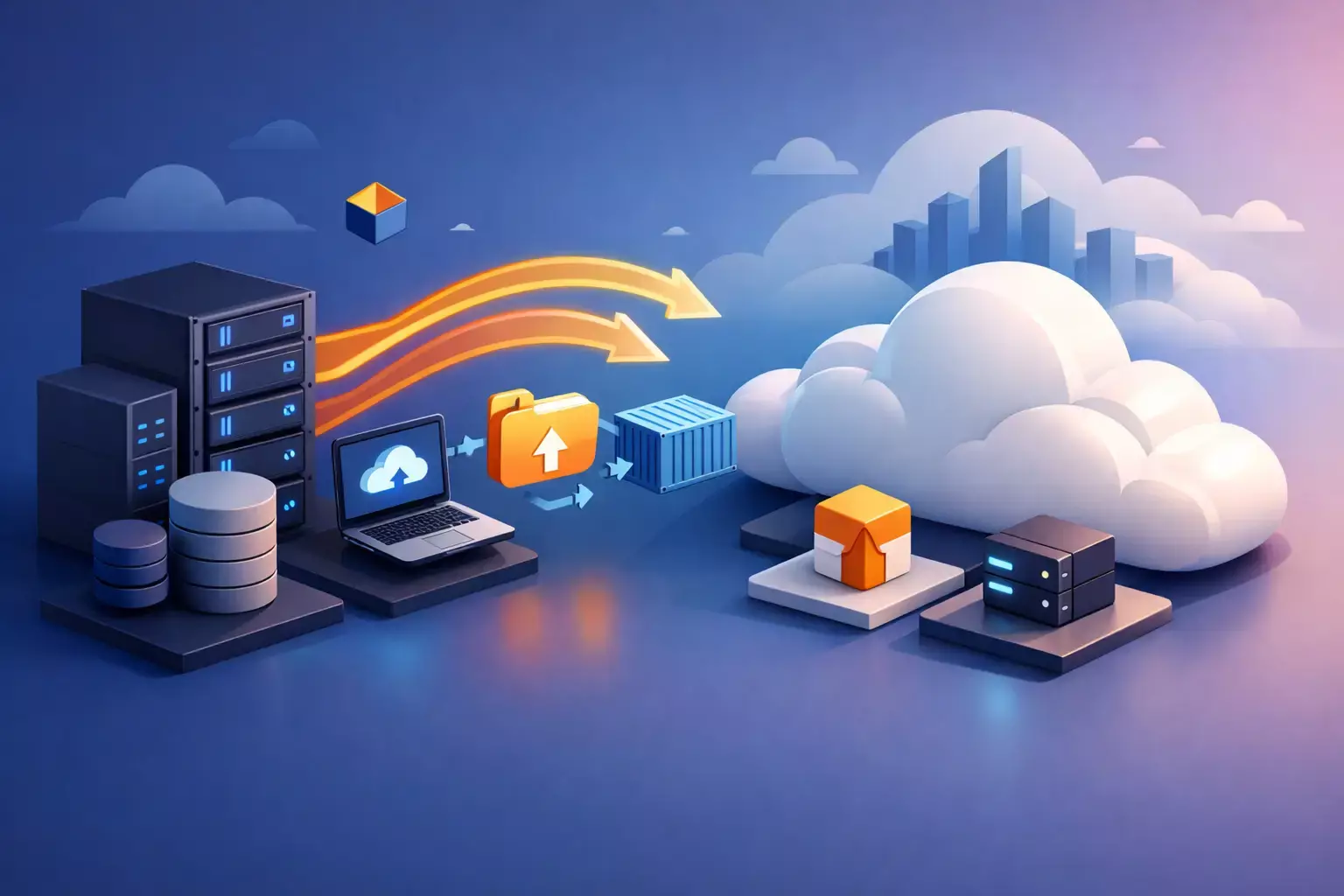
AWS cloud migration is the process of moving applications, data, servers, and IT workloads from on-premises infrastructure, another cloud platform, or a mixed environment into Amazon Web Services. In practice, that can mean anything from relocating a single business application to redesigning an entire operating environment for better performance, security, and scale. The right approach depends on what you run today, how critical it is, and what outcomes you need from the move.
What is AWS cloud migration in practical terms?
For business and technology leaders, migration is not just "moving to the cloud." It is a structured transition from one operating model to another. Instead of owning and maintaining physical hardware, you shift workloads into AWS services such as Amazon EC2 for compute, Amazon S3 for storage, Amazon RDS for databases, and supporting services for networking, identity, monitoring, backup, and security.
That shift changes more than hosting location. It affects how you provision infrastructure, how quickly you deploy new environments, how you manage availability, and how you respond to growth or incidents. A well-planned migration can reduce operational drag and improve resilience. A poorly planned one can simply relocate old problems into a more expensive environment.
This is why cloud migration should be treated as an architecture and operations program, not a file transfer project.
Why businesses move workloads to AWS
AWS is often chosen because it gives organizations a broad set of infrastructure and platform services without requiring them to build and maintain everything internally. For a growing company, that creates room to scale without the long lead times and capital costs tied to traditional infrastructure.
There are also operational reasons.
- Many teams migrate to improve uptime, tighten security controls, and modernize legacy environments that are hard to support.
- Others need better disaster recovery, more predictable deployment workflows, or stronger observability across systems.
- In regulated industries, migration may also support compliance goals when environments are designed correctly.
Cost is part of the decision, but it is not as simple as "cloud is cheaper." Some workloads become more efficient in AWS. Others need optimization to avoid waste. The real business value usually comes from a combination of flexibility, faster delivery, reduced maintenance burden, and better alignment between infrastructure and demand.
What gets migrated
AWS cloud migration can include a wide range of systems. A company may move line-of-business applications, file storage, virtual machines, databases, development environments, backup systems, containerized services, or customer-facing platforms. Sometimes email, identity, logging, and security tooling are part of the scope as well.
Not every workload belongs in the cloud in the same way. Some systems can be moved quickly with minimal changes. Others need refactoring to perform well or meet security and compliance requirements. In hybrid environments, certain applications may stay on-premises while others move to AWS. That is often the right decision when latency, licensing, hardware dependencies, or data residency concerns are involved.
The common AWS migration strategies
A practical way to understand migration is through the strategies used to execute it.
- The most basic approach is rehosting, often called lift and shift. You move an application to AWS with limited architectural change. This is usually faster and less disruptive upfront, which makes it useful when timelines are tight or legacy systems need to be exited from a data center quickly.
- Then there is replatforming. In this model, the application stays mostly intact, but parts of the stack are improved during migration. A team might move a self-managed database to Amazon RDS or shift static files into Amazon S3. This can improve manageability without requiring a full rebuild.
- Refactoring goes further. Here, the application is redesigned to take advantage of cloud-native services, automation, containers, serverless functions, or modern CI/CD pipelines. This often delivers the strongest long-term gains, but it also requires more planning, engineering effort, and testing.
There are other options too. Some applications are retired because they no longer serve the business. Others are retained in place because migration does not make financial or operational sense yet. The point is that migration is rarely one method applied everywhere. Mature programs use different strategies across different workloads.
What a successful migration actually involves
The visible part of migration is the cutover. The harder work happens before that.
- A strong migration starts with discovery and assessment. You need an accurate view of your infrastructure, application dependencies, data flows, security controls, performance requirements, licensing constraints, and business criticality. Without that, planning is based on assumptions, and assumptions are where migration projects get expensive.
- From there, architecture design becomes central. AWS environments need to be built with account structure, networking, identity and access management, backup, monitoring, cost controls, and security guardrails in mind. This is where many organizations benefit from infrastructure as code using tools such as Terraform or configuration automation with Ansible. Standardization matters because it reduces drift, speeds deployment, and makes support easier after migration.
- Testing is another major component. Workloads should be validated for functionality, performance, security, and recovery before production cutover. This is especially important for customer-facing systems and regulated environments. A migration that technically completes but causes downtime, data issues, or compliance gaps is not a successful migration.
- Then comes optimization. After workloads land in AWS, they usually need rightsizing, storage tuning, reserved capacity planning, observability improvements, and policy refinement. Cloud environments are dynamic. If no one manages them actively, cost and complexity can grow fast.
What is AWS cloud migration not?
- It is not a one-time infrastructure move that ends on go-live day. Migration should lead into a stronger operating model with monitoring, patching, backup validation, access control, incident response, and ongoing cost governance.
- It is also not automatically a full rebuild. Some businesses assume every migration requires containers, microservices, and a complete application rewrite. Sometimes that is appropriate. Often it is not. If a lift-and-shift approach gets a stable workload into AWS quickly and buys time for future modernization, that can be the better business decision.
- And it is not purely an IT initiative. Migration affects finance, operations, security, compliance, and leadership planning. If those stakeholders are not aligned, technical teams end up solving organizational problems through infrastructure changes, which rarely works.
Risks and trade-offs to consider
AWS migration has clear advantages, but there are trade-offs.
- Legacy applications may not perform well in cloud environments without modification.
- Licensing models can become complicated.
- Costs can rise if environments are overprovisioned or poorly governed.
- Security improves only when architecture, access controls, and monitoring are implemented correctly.
There is also the human factor. Teams need cloud skills, operational discipline, and support processes that fit the new environment. If internal staff are already stretched thin, migration can create pressure unless there is outside engineering support or a managed services model behind it.
For some organizations, the biggest risk is speed. Move too slowly and technical debt continues to pile up. Move too fast and critical details get missed. The right pace depends on business tolerance for change, system complexity, and the quality of the migration plan.
How to tell if your business is ready
A business is usually ready for AWS migration when current infrastructure is limiting growth, increasing risk, or absorbing too much operational effort. Common signals include repeated hardware refresh decisions, inconsistent backups, manual deployments, weak visibility into system health, or security concerns tied to unsupported platforms.
Readiness also means having clear goals. If the objective is lower cost, the migration strategy should focus on utilization and governance. If the objective is resilience, then architecture and disaster recovery design take priority. If the goal is faster delivery, then automation, DevOps workflows, and environment standardization become central.
This is where a hands-on technical partner can make a material difference. Advanced Vision IT works with businesses that need more than a migration checklist. They need architecture, automation, security, observability, and ongoing support aligned from the beginning so the AWS environment performs like an operating platform, not just a new place to host old systems.
The real value behind AWS cloud migration
The best way to answer what is aws cloud migration is this: it is a move from reactive infrastructure management to a more scalable, controlled, and resilient way of running technology. AWS provides the platform, but the migration itself is about designing an environment that fits the business you are becoming, not just the one you have today.
If your team is spending too much time keeping ageing systems alive, migration is worth evaluating carefully. The right plan does not just move workloads. It gives your business more room to operate, adapt, and grow with fewer infrastructure constraints.

Written by Alexander Boychev
Business Executive & Digital Marketing Manager at Advanced Vision IT Ltd | Published on
Alexander advises insights on business development, strategic key account management, and digital marketing in the IT sector.