



DevOps Automation vs Manual Deployment for Teams
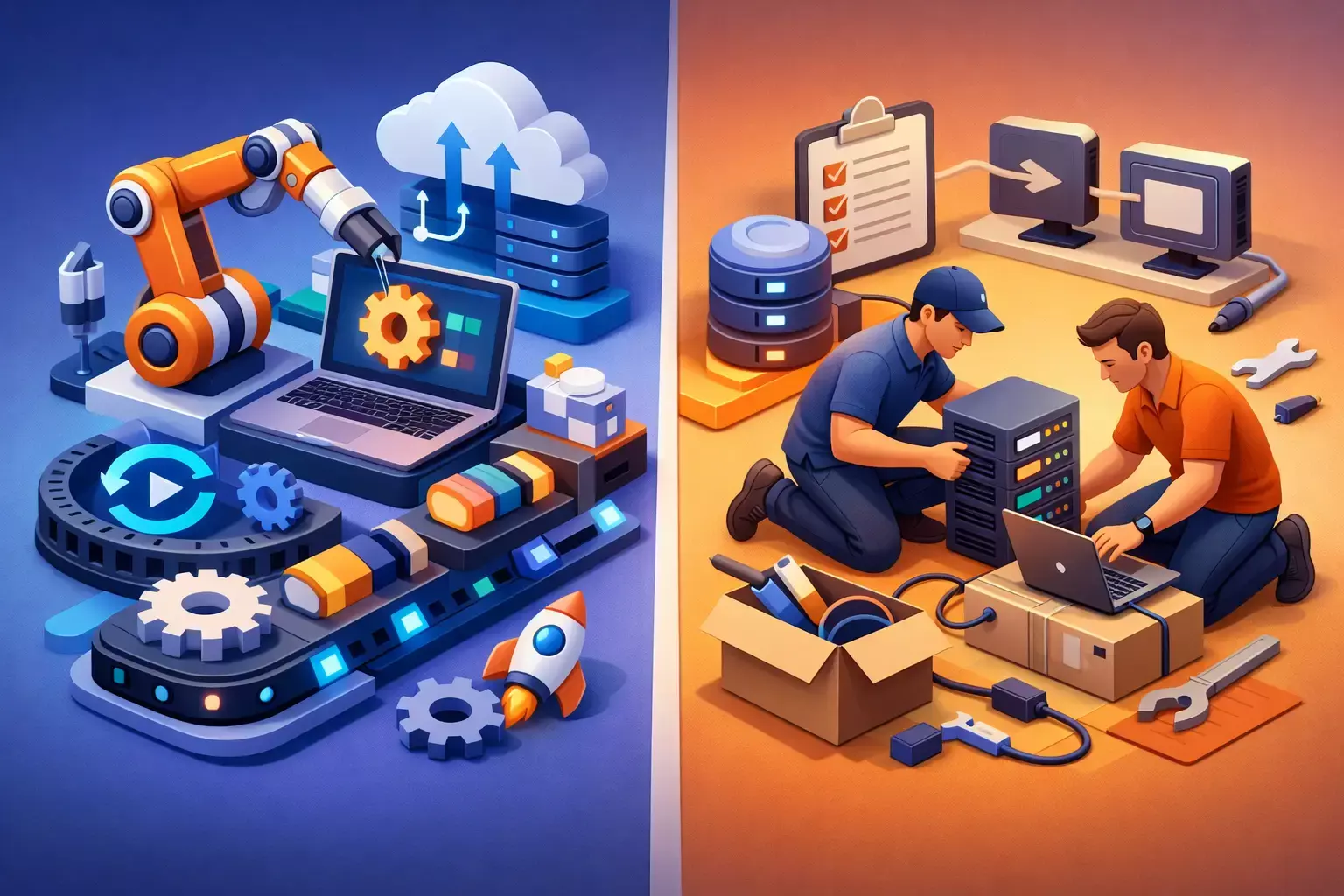
A production release should not depend on whether the one engineer who knows the process is available, remembers every step, and has the right permissions. Yet that is still how many growing organizations deploy applications and infrastructure. The decision between devops automation vs manual deployment directly affects uptime, security exposure, engineering capacity, and the confidence teams have in every release.
Manual deployment can feel faster when an environment is small and changes are infrequent. An engineer logs into AWS, updates a configuration, runs a script, checks a dashboard, and verifies the result. The process may work well enough until deployments become more frequent, systems become interconnected, or compliance requirements demand evidence of what changed and who approved it.
Automation changes the operating model. It turns known deployment steps into version-controlled, repeatable workflows that can be tested, reviewed, and measured. That does not mean every decision should be automated immediately. It means organizations should deliberately remove operational risk where it creates the most business impact.
DevOps Automation vs Manual Deployment: The Core Difference
Manual deployment relies on people to execute and validate a sequence of tasks. Those tasks may be documented in a runbook, but the actual outcome still depends on individual judgment, access, timing, and consistency. A manual process can accommodate unusual situations, but it is difficult to repeat precisely across development, staging, and production environments.
DevOps automation uses defined pipelines and infrastructure code to perform those same tasks. A change to an application or cloud environment moves through a controlled workflow: source code is reviewed, tests run, artifacts are built, security checks are applied, and approved changes are promoted to the appropriate environment. Tools such as CI/CD platforms, Terraform, Ansible, AWS CloudFormation, container registries, and observability platforms support different parts of that workflow.
The key distinction is not simply speed. Automation creates an operational record. Teams can see what version was released, which infrastructure change accompanied it, whether required checks passed, and how the system behaved afterward. That traceability is valuable for troubleshooting, audits, incident response, and planning.
Where Manual Deployment Creates Business Risk
The most serious issue with manual deployment is variation. Two experienced engineers can follow the same process and make slightly different decisions about environment variables, database migrations, permissions, or rollback steps. Small inconsistencies often stay hidden until traffic increases or a production incident exposes them.
Manual processes also create knowledge concentration. If a release requires a particular administrator, a collection of local scripts, or undocumented console changes, the business has an availability problem as much as a technical one. Vacation coverage, employee turnover, and after-hours incidents become harder to manage.
Security and compliance teams face a related challenge. Console-based changes can be difficult to review before execution and difficult to reconstruct afterward. Organizations operating in regulated environments may need evidence that changes followed approval procedures, that access was limited, and that configuration baselines were maintained. A ticket alone rarely provides the complete technical history.
There is also a cost issue. Manual releases consume skilled engineering time, especially when teams need to schedule maintenance windows, coordinate handoffs, or repeat the same deployment across multiple environments. The cost is not just the time spent clicking through a process. It includes delayed features, slower fixes, and the risk of extended outages when a rollback is unclear.
What Automation Improves - and What It Requires
A well-designed automated deployment pipeline makes standard changes predictable. Teams can deploy more often because each release follows a tested path rather than requiring a new coordination exercise. Infrastructure as code helps ensure that environments are built from the same definitions, reducing configuration drift between staging and production.
Automation also strengthens release safety when it includes practical controls. These may include peer review for code and Terraform changes, automated testing, image scanning, policy checks, approval gates for production, encrypted secrets management, and a defined rollback or roll-forward process. Observability completes the loop. Metrics, logs, traces, and alerting show whether the release improved or degraded system behavior.
However, automation is not a button that fixes a weak delivery process. It requires upfront engineering effort, clear ownership, and maintenance. A poorly designed pipeline can automate bad practices quickly. If tests are unreliable, permissions are overly broad, or deployment logic is undocumented, adding CI/CD will not resolve the underlying issues.
Teams should also avoid treating automation as all-or-nothing. The right first target is usually the task that is frequent, error-prone, difficult to audit, or highly dependent on a small number of people. For one organization, that may be application releases. For another, it may be provisioning AWS accounts, patching servers, rotating credentials, or enforcing security configurations.
When Manual Deployment Still Makes Sense
Manual deployment is not automatically irresponsible. It can be appropriate for a one-time proof of concept, a low-risk internal tool, or a tightly scoped emergency change where building a pipeline would take longer than the corrective action itself. It can also be useful during early discovery, when a team is still learning the requirements for a new service.
The difference is whether manual work is a temporary and visible exception or the permanent operating model for production systems. High-value customer applications, regulated data environments, and infrastructure supporting revenue-critical operations need more than informal consistency. They need controlled execution that does not rely on memory.
A practical middle ground is a documented manual process with peer verification and change records while automation is being built. This reduces immediate risk without forcing a rushed platform redesign. The process should have an expiration date, though. Temporary workarounds tend to become permanent when no one owns the modernization plan.
Build Automation Around the Release Lifecycle
Effective DevOps modernization starts by mapping the current release lifecycle. Identify how code moves from commit to production, where infrastructure changes occur, which credentials are used, who approves releases, and how teams confirm success. This often reveals gaps that are not obvious during routine deployments, such as direct production access, missing rollback procedures, or test environments that do not resemble production.
Next, standardize the deployment unit. For applications, that may mean a versioned container image or an immutable build artifact. For infrastructure, it means declarative code stored in source control. Versioning provides a clear answer to a critical incident-response question: what changed?
Then introduce controls in layers. Start with automated builds and tests. Add infrastructure planning so teams can review proposed changes before they are applied. Use role-based access and short-lived credentials rather than shared administrator accounts. Add security scanning and policy validation where they fit the delivery path. Finally, connect releases to monitoring so deployment decisions are informed by actual service health, not assumptions.
For AWS environments, this approach can include Terraform-managed infrastructure, CI/CD workflows for application delivery, AWS-native identity controls, and platforms such as New Relic for release monitoring. The toolset matters, but the design principle matters more: production changes should be repeatable, reviewable, observable, and recoverable.
Measure Results Beyond Deployment Frequency
Deployment frequency is useful, but it is not the only success metric. A team that deploys quickly while creating incidents has not improved delivery. Track change failure rate, mean time to restore service, lead time from approved change to production, rollback frequency, and the number of manual interventions required per release.
Business leaders should also look for less visible improvements. Can engineers spend more time on product work instead of deployment coordination? Can a security review show clear evidence of change control? Can an acquisition, audit, or customer security questionnaire be handled without a week of manual investigation? These are practical signs that automation is improving operational maturity.
Advanced Vision IT typically approaches this work as an operating model improvement, not a tool installation. The objective is to build delivery practices that fit the organization’s cloud architecture, security requirements, internal skills, and growth plans.
Choosing the Right Path for Your Team
The best choice depends on the risk and repetition of the work. If a deployment is frequent, customer-facing, difficult to reverse, or subject to compliance scrutiny, automation should be a near-term priority. If it is rare and low impact, a well-documented manual process may be sufficient while engineering resources are directed elsewhere.
Start with one production path that matters. Define the release steps, remove direct and untracked changes, establish a tested rollback method, and make the result visible through monitoring. That first pipeline should create confidence, not complexity. Once the pattern is proven, it can be extended to additional services, environments, and infrastructure components.
The goal is not to eliminate human judgment. It is to reserve human judgment for the decisions that need it, while letting disciplined systems handle the repeatable work that keeps your business running.
Frequently Asked Questions (FAQ)
1. What is the main difference between DevOps automation and manual deployment?
Manual deployment relies on engineers to perform deployment tasks and validations manually, making outcomes dependent on individual knowledge, access, and consistency. DevOps automation uses defined pipelines, infrastructure as code, and automated checks to execute deployments in a repeatable, auditable, and controlled manner.
2. Why do manual deployments become risky as organizations grow?
As systems become more complex, manual deployments increase the risk of human error, inconsistent configurations, undocumented changes, and knowledge concentration among a few individuals. These issues can lead to outages, security gaps, compliance challenges, and slower recovery during incidents.
3. What are the key benefits of automating deployments?
Automated deployments improve consistency, traceability, security, and operational efficiency. They enable teams to deploy more frequently with greater confidence, maintain clear records of changes, enforce approval processes, reduce configuration drift, and quickly identify and resolve issues through monitoring and observability tools.
4. Does automation eliminate the need for human involvement?
No. Automation handles repeatable and predictable tasks, but human judgment remains essential for decision-making, approvals, architecture planning, risk assessment, and handling exceptional situations. The goal is to reduce operational risk while allowing engineers to focus on higher-value work.
5. When is manual deployment still appropriate?
Manual deployment can be suitable for low-risk internal tools, proof-of-concept projects, one-time changes, or urgent fixes where building automation would take longer than the required action. However, for production systems, customer-facing applications, or regulated environments, automation should be prioritized to ensure reliability, security, and compliance.

Written by Yavor Y. Zlatev
CEO & Founder at Advanced Vision IT Ltd | Published on
Yavor advises executive leadership teams on cybersecurity strategy, NIS2 compliance, and cloud operating models to build resilient IT environments.