



AWS Migration Services for Secure Growth
A cloud migration rarely fails because a team cannot copy data or launch an EC2 instance. It fails when application dependencies, identity controls, operational ownership, and cost assumptions are left until the final weeks. AWS migration services provide the structure to move workloads without treating production stability, security, or business continuity as afterthoughts.
For growing organizations, the decision is not simply whether to move to AWS. The real question is how to create a cloud environment that can support the next stage of the business: new products, distributed teams, higher transaction volumes, customer security requirements, and a more demanding uptime expectation. That requires a migration plan built around the workload, not a generic checklist.
What AWS Migration Services Should Deliver
A strong migration engagement starts with business outcomes. A customer-facing application may need better availability and performance. A legacy server estate may need a smaller operating footprint and more predictable costs. A regulated business may need stronger audit trails, access control, encryption, and recovery procedures. Each goal changes the technical design and the migration sequence.
The work should begin with discovery. This includes inventorying servers, databases, storage, network paths, application integrations, licenses, identity providers, backup jobs, and scheduled tasks. Hidden dependencies are common. An application that appears to run on one virtual machine may depend on a file share, an SMTP relay, a reporting database, a third-party API allowlist, and a nightly batch job running elsewhere.
Discovery also separates workloads that should move now from workloads that need remediation first. Some systems are good candidates for rehosting, where existing servers are moved with minimal application changes. Others benefit from replatforming, such as moving a self-managed database to Amazon RDS. Critical applications with clear growth potential may justify refactoring toward containers, serverless services, or managed data platforms.
There is no single correct choice. Rehosting can reduce migration time and near-term risk, but it may preserve inefficient operating patterns. Refactoring can improve scale and resilience, but it demands more engineering effort, testing, and change management. The right approach depends on the workload's value, condition, risk profile, and expected lifespan.
Build the AWS Foundation Before Moving Workloads
Moving servers into an unprepared AWS account creates a new version of the same operational problems. Before migration waves begin, the cloud foundation should establish the controls that will govern every workload that follows.
This foundation usually includes a multi-account structure, role-based access, centralized logging, network segmentation, encryption standards, backup policies, and guardrails for resource provisioning. Organizations also need a clear approach to tagging, because tags affect cost allocation, ownership, automation, and incident response.
A well-designed landing zone gives teams enough autonomy to deliver work while maintaining central visibility and security. For example, development and production workloads should not share the same access model or change process. Logs should be retained centrally and protected from casual modification. Sensitive data paths should be defined before an application reaches production rather than discovered during a security review.
Infrastructure as code is a practical part of this foundation. Terraform and Ansible can create repeatable environments, reduce configuration drift, and make changes easier to review. Instead of relying on undocumented console changes, teams can manage networks, security groups, IAM roles, and supporting services through version-controlled definitions.
Plan Migration Waves Around Business Risk
Migration is safer when it is delivered in controlled waves. Rather than moving every workload during one high-pressure weekend, teams can validate methods on lower-risk systems, improve runbooks, and use what they learn before approaching critical applications.
A typical wave plan considers four factors:
- Business criticality and acceptable downtime
- Technical complexity and dependency depth
- Data volume, synchronization requirements, and rollback options
- Availability of application owners for testing and cutover support
A development environment or internal reporting system can be a useful early wave because it exposes network, identity, monitoring, and backup gaps without placing core revenue operations at risk. A production ERP, customer portal, or database platform should move only after its dependencies, recovery procedures, and acceptance criteria are documented.
Every wave needs a cutover plan that answers specific questions. When will data synchronization stop? Who validates that the application works? What metrics prove that performance is acceptable? How long can the business tolerate disruption? What triggers a rollback, and who has authority to make that decision?
These decisions should not live only in the head of a project manager or external consultant. They should be reflected in a tested runbook shared by technical stakeholders and business owners. Clear ownership reduces delay when an issue occurs under time pressure.
Security and Compliance Cannot Wait for Post-Migration
Cloud platforms provide powerful security capabilities, but they do not remove the need for operational discipline. AWS operates the underlying cloud infrastructure; the customer remains responsible for workload configuration, identities, data protection, operating systems where applicable, and application security.
That shared responsibility model matters most during migration. Teams often create temporary access, permissive firewall rules, or short-term data transfer paths to accelerate a move. If those exceptions are not documented and removed, temporary decisions become permanent exposure.
Security should be integrated into each migration wave. IAM roles should follow least-privilege principles. Multi-factor authentication, centralized audit logging, encryption in transit and at rest, vulnerability management, and backup immutability should be addressed as part of the design. For organizations subject to HIPAA, PCI DSS, SOC 2, or customer security questionnaires, evidence collection and control mapping should start early.
Observability deserves the same attention. Monitoring cannot begin after users report slow performance. Teams need baseline metrics before cutover and actionable visibility afterward. Tools such as New Relic, Amazon CloudWatch, and centralized log management can help identify latency, resource saturation, failed jobs, and application errors before they become business incidents.
Cost Control Is an Architecture Decision
AWS can reduce capital expense and improve flexibility, but it does not automatically reduce spending. Lift-and-shift migrations can produce higher monthly costs when oversized servers, underused storage, or always-on nonproduction environments move without review.
Cost optimization should be built into assessment and design. Rightsizing depends on actual utilization, not only the specifications of the current server. Storage tiers should match access patterns. Nonproduction workloads may need schedules. Reserved capacity and Savings Plans can be valuable for stable demand, while on-demand capacity provides flexibility for uncertain or changing workloads.
The most useful cost reporting connects spend to an owner, environment, application, or business unit. Without that context, finance sees a cloud bill while engineering sees a collection of resources, and neither side can make informed trade-offs. Consistent tagging and regular reviews turn cloud cost management into an ongoing operational practice.
There are also cases where the least expensive design is not the best decision. A highly available architecture with redundant components may cost more than a single-instance deployment, but it can be justified when downtime affects revenue, contractual commitments, or customer trust. The goal is not to minimize every line item. It is to invest intentionally in resilience where the business needs it.
Migration Is Only the Start of Cloud Operations
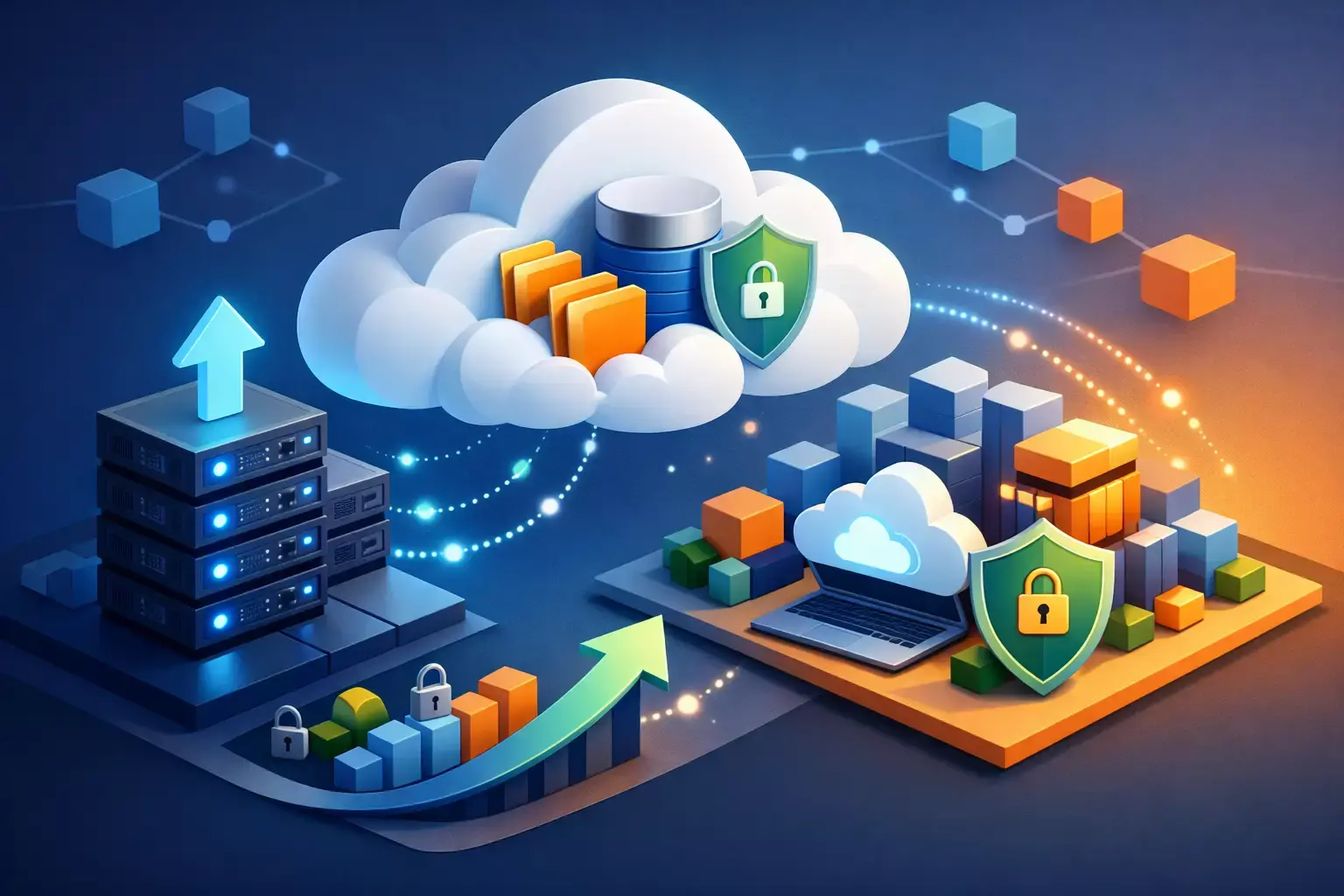
A successful cutover is a milestone, not the finish line. Once workloads are operating in AWS, they require patching, backup validation, access reviews, capacity planning, incident response, security monitoring, and continuous cost management. Without those practices, a well-executed migration can gradually lose the reliability and control it was meant to create.
This is where a managed cloud partner can add sustained value. Advanced Vision IT can support the full lifecycle, from discovery and Well-Architected Reviews through infrastructure automation, monitoring, cybersecurity, and ongoing AWS operations. A single accountable team reduces handoffs between infrastructure, security, development, and support providers.
The best migration outcome is not a new location for old servers. It is an operating model that gives the business clearer visibility, faster recovery, safer change, and room to grow. Start with the workloads that matter most, define the controls they require, and treat every migration decision as part of the long-term environment you intend to run.
Frequently Asked Questions (FAQ)
1. What are the biggest risks that can cause an AWS migration project to fail?
AWS migrations often fail due to overlooked application dependencies, weak identity and access controls, unclear operational ownership, and unrealistic cost assumptions. Successful migrations address these factors early through thorough discovery, planning, and governance rather than focusing only on moving infrastructure.
2. How do organizations decide between rehosting, replatforming, and refactoring applications?
The right migration strategy depends on the workload's business value, technical condition, risk profile, and future growth requirements. Rehosting offers a faster path to AWS, replatforming takes advantage of managed services like Amazon RDS, and refactoring can improve scalability and resilience through cloud-native architectures.
3. Why is it important to build an AWS foundation before migrating workloads?
Establishing a cloud foundation first helps ensure security, compliance, governance, and operational consistency across all workloads. This foundation typically includes a multi-account structure, role-based access controls, centralized logging, network segmentation, backup policies, and infrastructure-as-code practices.
4. How can businesses minimize risk during AWS migration?
Organizations can reduce migration risk by moving workloads in controlled waves instead of attempting a large-scale migration all at once. Each wave should include testing, documented cutover and rollback procedures, stakeholder validation, and clearly defined ownership to support a smooth transition.
5. Does migrating to AWS automatically reduce IT costs?
Not necessarily. While AWS can improve flexibility and reduce capital expenses, costs can increase if workloads are migrated without optimization. Effective cost management requires rightsizing resources, using appropriate storage tiers, implementing tagging standards, and regularly reviewing cloud usage and spending patterns.

Written by Yavor Y. Zlatev
CEO & Founder at Advanced Vision IT Ltd | Published on
Yavor advises executive leadership teams on cybersecurity strategy, NIS2 compliance, and cloud operating models to build resilient IT environments.